
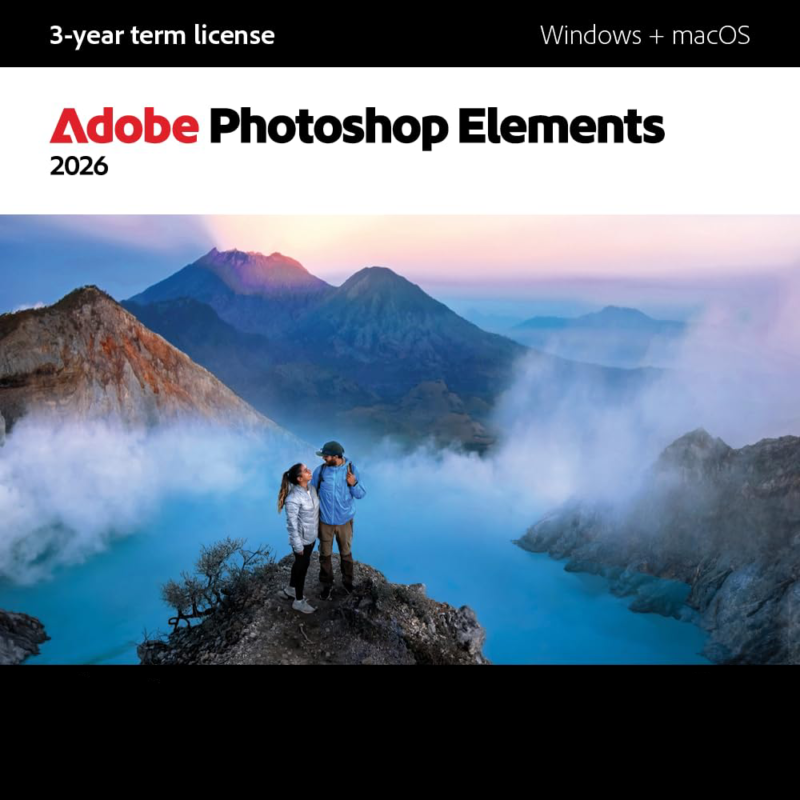

Photoshop Elements makes photo editing simple — whether you want to make a quick fix or a custom creation. Dive right in and build skills as you go with Quick, Guided, and Advanced editing modes. Tap into the power of AI to easily enhance your photos and instantly generate all-new images, objects, and backgrounds. Add style with artistic effects, motion, and creative templates. And automatically organize your photos for easy searching and sharing. The license offers a full 3 years of access from the date of redemption, with no automatic renewal.
System Requirements:
- Operating System: Windows 11, macOS
How campaign participation works:
1. Apply for the Campaign
Interested in testing Adobe creative software products?
Click the “Apply Now” button to submit your application. During the application process, you must provide your complete contact details.
To apply, you must:
- Be registered on one2five.club
- Have an active Amazon US account eligible for submitting reviews
- Have a valid credit card for the purchase
- Have a US bank account to receive the upfront product payment
2. Receive the Product Cost Upfront
If your application is approved, you will receive:
- A retailer purchase link
- Instructions for providing your bank details
- 100% of the product purchase cost upfront
The full product cost will be transferred to your US bank account before you place your order.
Please do not purchase the product until you have received the payment from us.
3. Purchase the Product & Upload Your Proof of Purchase
Once you have received the upfront payment, please purchase the product within 3 business days using the retailer link provided.
After completing your order, upload your proof of purchase (invoice or order confirmation) via the provided upload link.
The product must be purchased using the designated retailer link and at the specified purchase price.
4. Test the Product & Submit Your Review
Once your proof of purchase has been successfully verified, you will receive:
- Detailed instructions on where to submit your review
- A link to upload screenshots of your published review
You will have 5 business days to:
- Test the product as part of your everyday creative workflow
- Write and publish your review on the retailer website
- Submit all required screenshots and information
Please note:
- Reviews must be written in English
- Reviews should reflect your honest product experience
Important: The product cost is paid 100% upfront before purchase. There is therefore no reimbursement required after you complete the campaign.